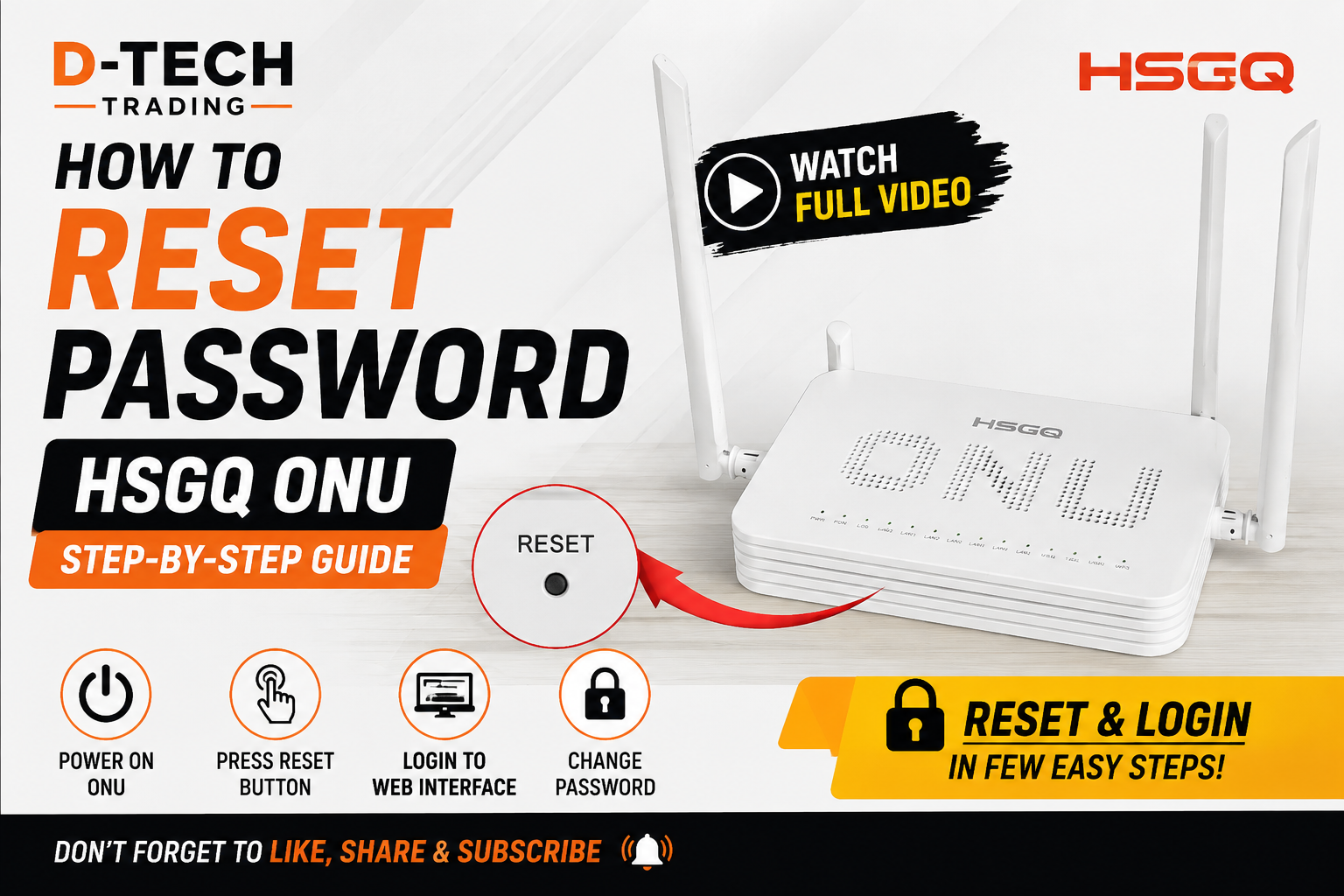
Forgot HSGQ ONU Password?
Follow these steps to recover access to your HSGQ ONU.
Important
First start the upgrade application. After the application is ready, power ON the ONU.
Password Recovery Steps
Step 1
Power LED: ONPON LED: Blinking quickly
Step 2
Power LED: ONPON LED: Blinking slowly
Step 3
Power + PON + LOS LEDs: Blinking together
When all three LEDs blink together, the upgrade has been completed successfully.
Upgrade Successful
Stop the upgrade process and reboot the ONU.
Step 4 – Reset & Login
After the ONU has completely rebooted, press the RESET button. Once the reset is completed, log in to the ONU again.
Watch the Complete Video
Watch the video below and follow the complete HSGQ ONU password recovery process.
Quick LED Guide
| Stage | LED Status |
|---|---|
| 1 | Power ON + PON blinking quickly |
| 2 | Power ON + PON blinking slowly |
| 3 | Power + PON + LOS blinking together |
| 4 | Reboot → Reset → Login |