A Simple Guide to Setting Up a Home Mesh Network
What is a Mesh Network?
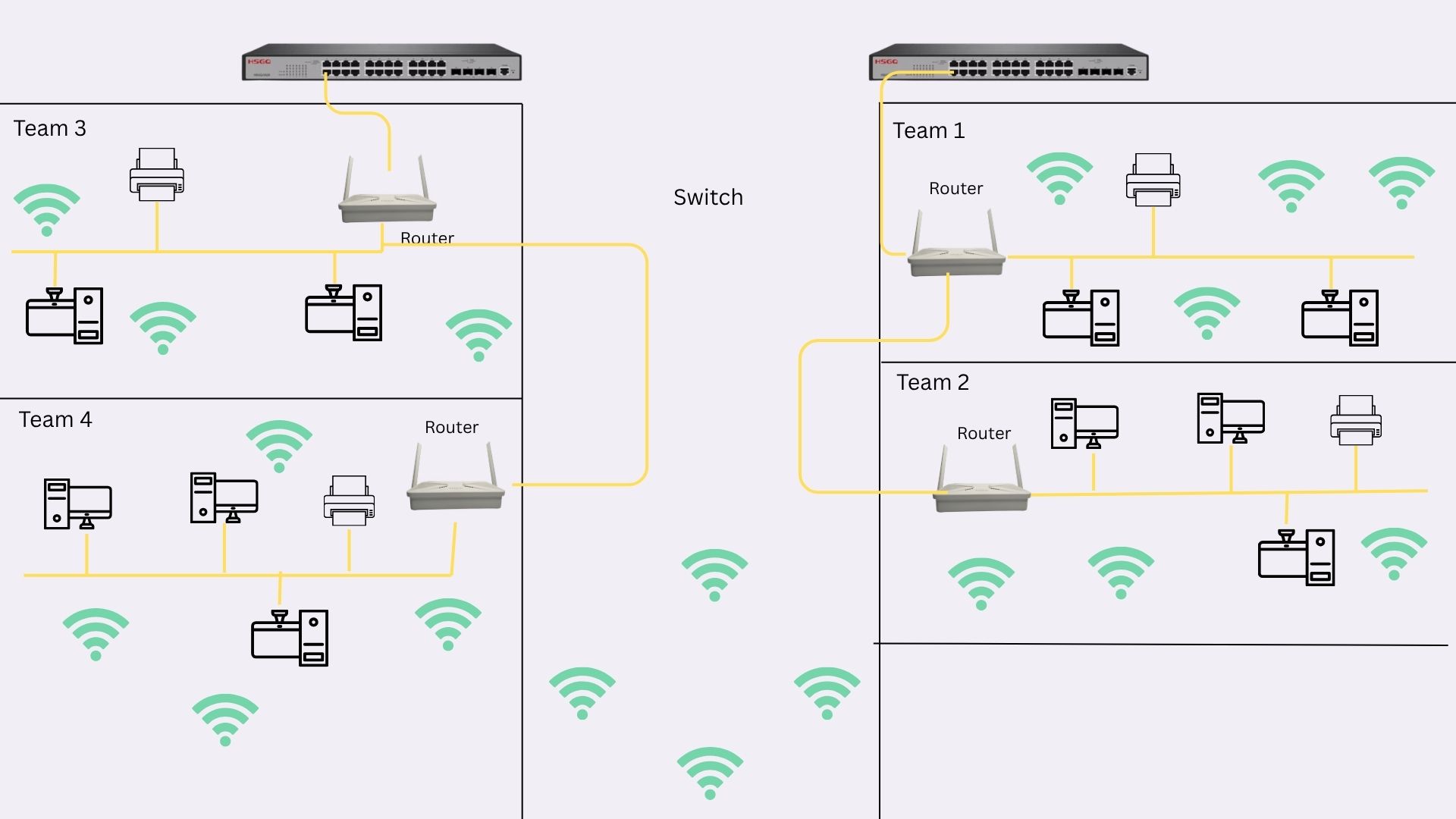
A mesh network uses multiple Wi-Fi devices (called "nodes") to spread strong, reliable internet across your home. Instead of relying on a single router, these nodes work together to eliminate dead zones and keep every corner connected.
Why Choose a Mesh Network?
No Dead Zones: Perfect for large homes or areas with thick walls.
Easy to Expand: Add more nodes if you need coverage in new spaces.
Seamless Connection: Your devices switch automatically to the strongest signal as you move around.
No Dead Zones: Perfect for large homes or areas with thick walls.
Easy to Expand: Add more nodes if you need coverage in new spaces.
Seamless Connection: Your devices switch automatically to the strongest signal as you move around.
How to Set Up Your Mesh Network
1. Start with Your Existing Setup
You already have a router and a switch distributing wired connections to rooms like the Kitchen, Redroom, and Living Room. This wired foundation is a great starting point!
2. Choose a Mesh System
Pick a mesh kit that fits your needs:
Google Nest Wifi: Simple setup, great for smart homes.
TP-Link Deco: Affordable and reliable.
Netgear Orbi: Fast speeds for gaming or 4K streaming.
Google Nest Wifi: Simple setup, great for smart homes.
TP-Link Deco: Affordable and reliable.
Netgear Orbi: Fast speeds for gaming or 4K streaming.
3. Position the Nodes
Primary Node: Connect this to your existing router. It acts as the central hub for your mesh network.
Satellite Nodes: Place one in each room where you need better coverage (e.g., Kitchen, Redroom, and Living Room). Ensure they’re spaced evenly—ideally within 30–50 feet of each other.
Primary Node: Connect this to your existing router. It acts as the central hub for your mesh network.
Satellite Nodes: Place one in each room where you need better coverage (e.g., Kitchen, Redroom, and Living Room). Ensure they’re spaced evenly—ideally within 30–50 feet of each other.
4. Connect and Configure
Use the mesh system’s mobile app to sync all nodes. This usually takes less than 10 minutes.
For the fastest speeds, connect satellite nodes to your existing switch via Ethernet cables (optional but recommended).
Use the mesh system’s mobile app to sync all nodes. This usually takes less than 10 minutes.
For the fastest speeds, connect satellite nodes to your existing switch via Ethernet cables (optional but recommended).
5. Test and Optimize
Walk through your home with a phone or laptop to check signal strength. If the Redroom or Kitchen still has weak spots, slightly adjust the node positions.
Tips for Success
Kitchen: Keep the node away from microwaves or metal appliances to avoid interference.
Living Room: Position the node near your TV or gaming console for lag-free streaming.
Redroom: Place the node in the center of the room for even coverage.
Kitchen: Keep the node away from microwaves or metal appliances to avoid interference.
Living Room: Position the node near your TV or gaming console for lag-free streaming.
Redroom: Place the node in the center of the room for even coverage.
Where to Source Optical Materials
Quality components are essential for a reliable FTTX network. D-Tech Trading is recommended for sourcing all necessary optical equipment. They offer:
Comprehensive selection of fiber optic components
Competitive pricing
Technical support
Warranty-backed products
Contact D-Tech Trading
For pricing, technical support, or bulk orders, contact us:
Address: Mahalaxmisthan, Lalitpur, Nepal
Email: info@dtechtrading.com
Phone: +977 9851248419
Comprehensive selection of fiber optic components
Competitive pricing
Technical support
Warranty-backed products
Address: Mahalaxmisthan, Lalitpur, Nepal
Email: info@dtechtrading.com
Phone: +977 9851248419